ChippyTime

The official website for ChippyTech.

Author: ChippyTech

  • How to Create Videos with AI using NotebookLM + Google Vids

    In this tutorial, you will use Google NotebookLM to create a presentation, then turn that presentation into a video using Google Vids.


    Step 1. Create a New Notebook

    Go to Google NotebookLM.

    At the top left, click “Create new notebook”.

    Now you need to add content. You have two options:

    • Let Google’s AI find and pull in web sources automatically
    • Upload your own sources (documents, PDFs, notes, links, etc.)

    Tip: The better your sources, the better your final video will be.


    Step 2. Generate Your Slide Deck

    Once your notebook is ready, go to the top right and click “Slide Deck”.

    Wait while the AI generates your presentation. This may take a moment.

    After it finishes:

    • Open the generated presentation
    • Click the three dots (menu)
    • Select “Download PowerPoint (.pptx).”

    Tip: You can review and edit the slides later for improved quality.


    Step 3. Upload to Google Drive

    Go to: https://drive.google.com

    Upload your downloaded PowerPoint file.

    Open it using Google Slides.

    (Optional but recommended)

    • Clean up the slides
    • Fix formatting
    • Reduce text clutter
    • Add images if needed

    Step 4. Convert into a Video Using Google Vids

    From your Slides file, choose the option to convert your presentation into a video. That will open up Google Vids.

    Follow the instructions provided:

    • Generate a script
    • Add an AI voiceover
    • Adjust pacing and timing

    Tip: Review the script before generating voiceover. Small edits make a big difference.


    Step 5. Review and Export

    Play through your video.

    Make sure:

    • The voice sounds natural
    • Timing matches the slides
    • No awkward phrasing

    Once you are happy:

    • Go to “File”
    • Export your video as MP4 or GIF
    • Or upload directly to Google Drive or YouTube

    Wrap Up

    You now have a complete AI-generated video using Google NotebookLM + Google Vids.

    The more you refine your sources, slides, and script, the better your final result will be.
  • Top 5 Hugging Face Alternatives

    Hugging Face is a popular brand name in artificial intelligence communities, but what if you want to use multiple LLMs in one place, or need to rent cloud H100 GPUs, for example? This blog post shows a list of the top five Hugging Face alternatives.

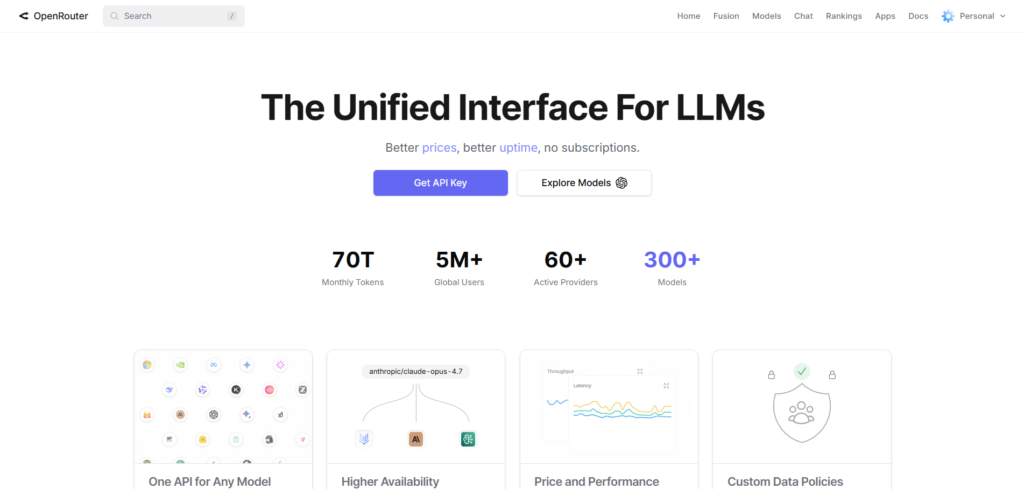
    1. OpenRouter

    OpenRouter is a popular unified API platform that provides users with access and route to over 300 AI language models from over 60 providers through a single, standards-compatible interface. You can use it via an API or through the web interface, and you can chat with multiple AI models in one place.

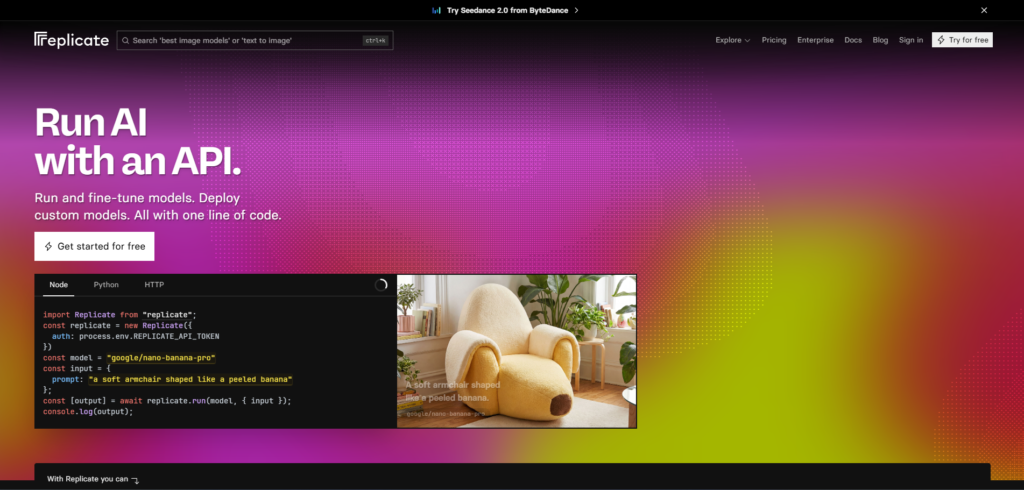
    2. Replicate

    Replicate is a cloud platform that lets developers run and fine-tune AI models using a single API. It allows users to use multiple kinds of AI models, such as text generation models like Llama 3 or Mistral, and image generation models such as Stable Diffusion.

    3. Vast.ai

    Vast.ai is a cloud GPU rental marketplace platform that has been around since 2018. It offers cheaper GPU prices than places like major cloud providers. It is also a decent option for cheap GPU rentals.

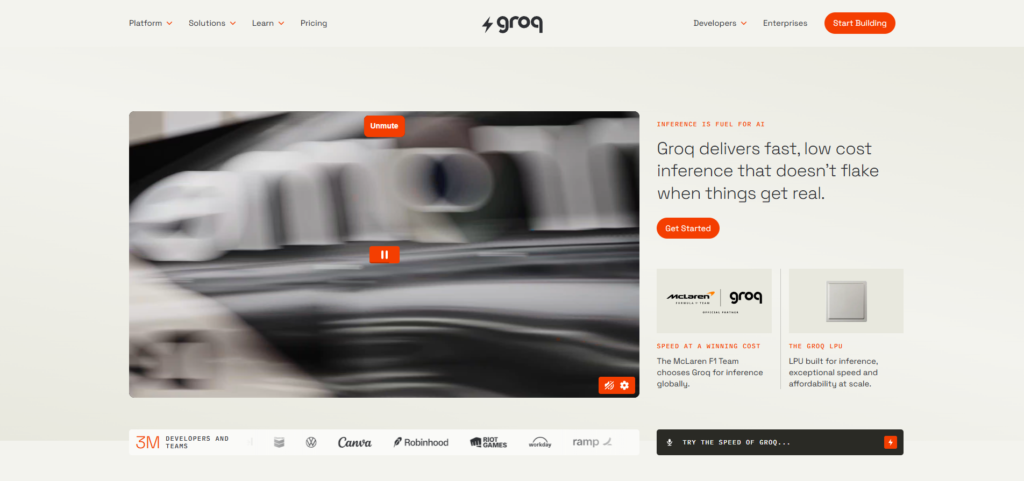
    4. Groq

    Groq (not to be confused with Elon Musk’s Grok) is a cloud API provider that has both free and paid options and provides several AI language models (such as gpt-oss and Llama), but focuses on speed. You can access their models either from the API or via their web interface.

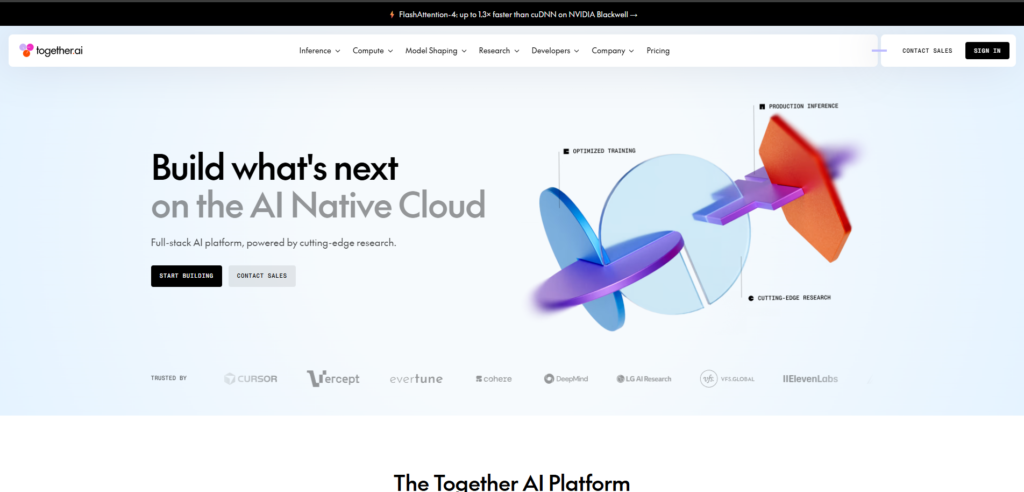
    5. Together AI

    Together AI is a premium AI cloud platform focusing on scalability for using, fine-tuning, and training infrastructure for open-source AI models. Some large language models it includes, include Llama 3 and Mistral, just to name a few.


    Wrap Up

    In conclusion, these are the top 5 Hugging Face alternatives. Whether you want an API to route to multiple AI models or a cloud provider to rent graphics cards, this list is for you. Please try out some of those alternatives on the list.